Visitor Management System
A visitor check-in platform that registers guests, records the purpose of each visit and manages office building access cards for secure and organized entry, supported by an external webcam and an RFID scanner.
The problem behind the interface.
Office buildings often rely on manual logbooks to register visitors, which is slow, error-prone and offers little visibility into who is in the building at any given time. The challenge was to replace paper-based check-ins with a digital system that captures visitor details, visit purpose and access management in one place, while also verifying identity through a photo and recording access cards accurately.
From workflow to software.
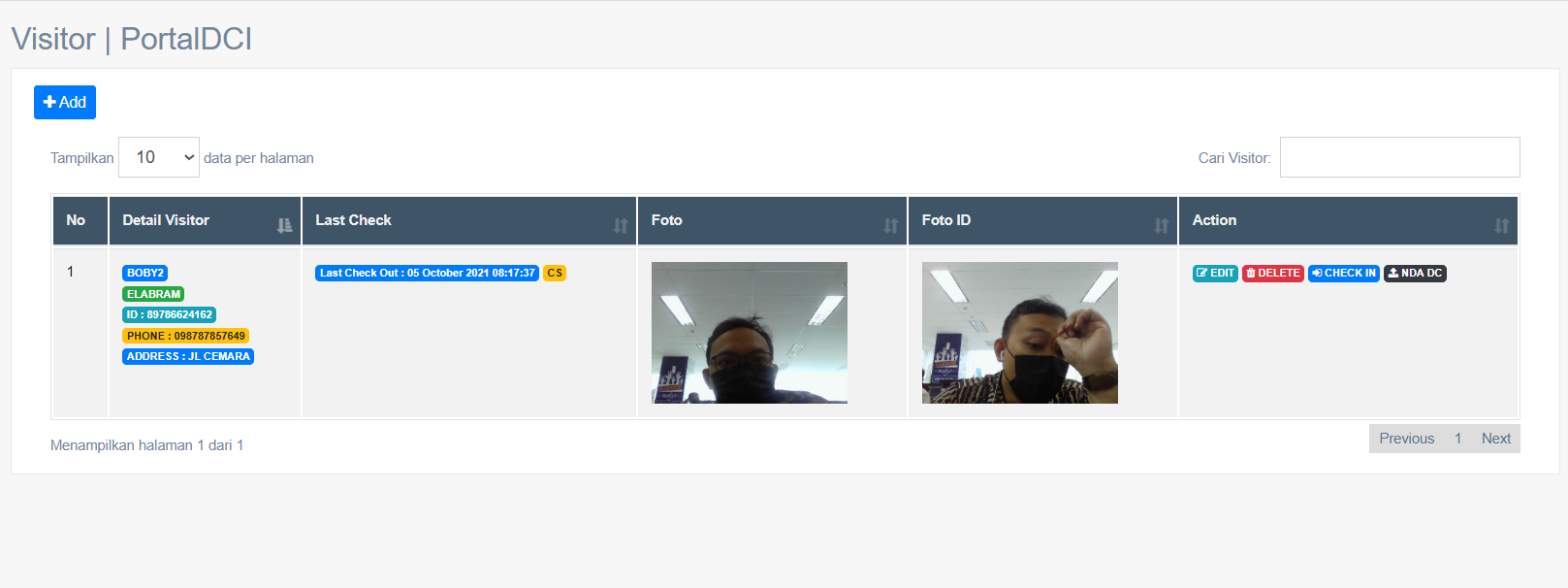
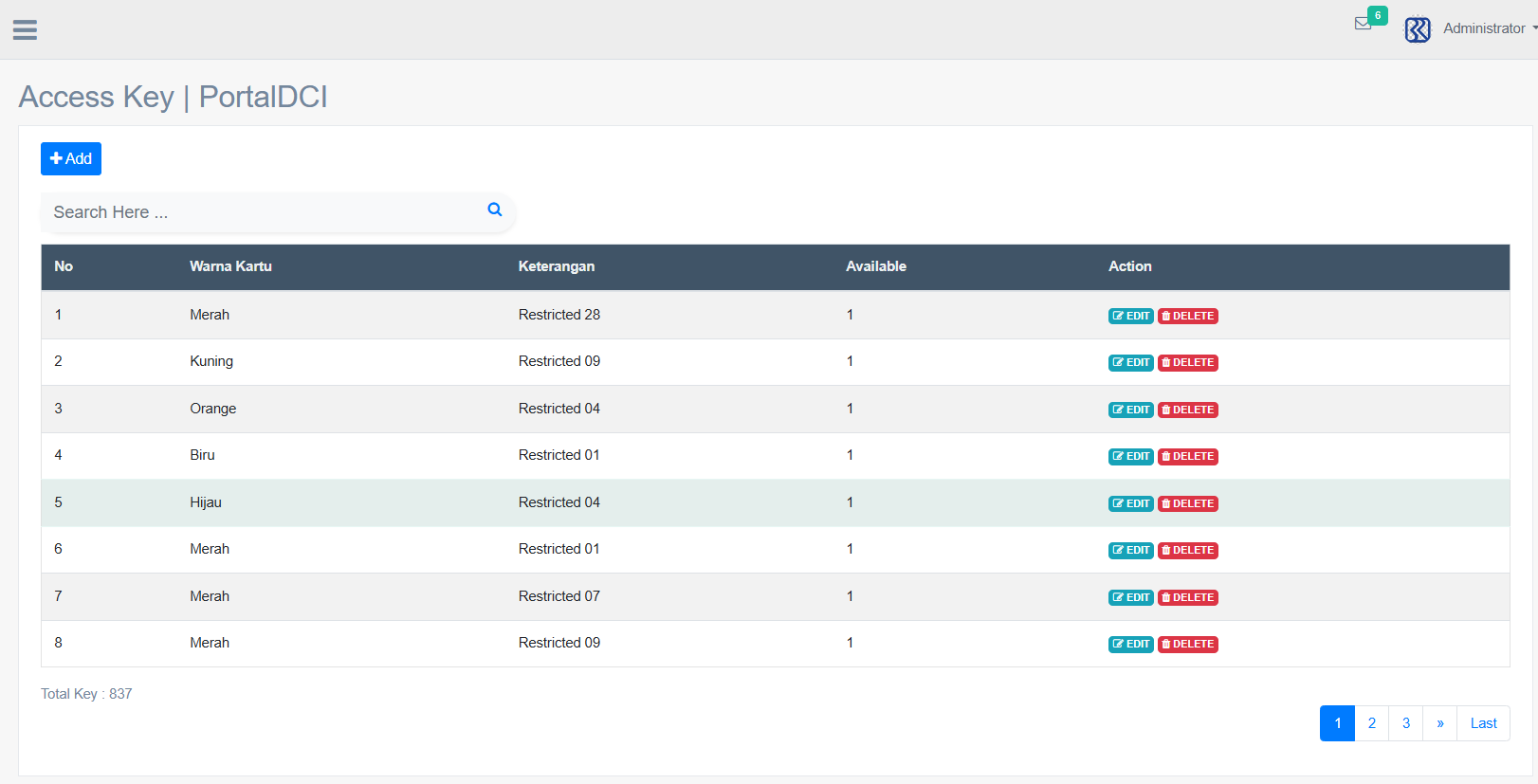
I designed and implemented a web-based check-in flow around visitor registration, purpose of visit and office building access cards. The interface prioritizes a fast and straightforward entry process: staff input new visitor data, record what the visit is for, and manage the access cards issued for entry to the building. The system is supported by an external webcam that captures the visitor photo and ID card image, while an RFID scanner detects and records the access card number during check-in.
Built for the people using it.
The application gives building management a centralized workspace for visitor records, check-in activity and access card handling, creating a more secure, organized and traceable entry experience for every visitor.
What the system set out to do.
Make it easy to input new visitor data with relevant details, record the purpose of each check-in visit, manage office building access cards issued to visitors, capture visitor and ID card photos using an external webcam, read access card numbers using an RFID scanner, keep a clear trace of who is in the building and when, and improve security and accountability at the entrance.
How data moves through the system.
Staff input new visitor data including name, company and contact details, record the purpose of the visit and the person they are visiting, use the external webcam to capture the visitor photo and ID card image, then during check-in use the RFID scanner to detect and record the access card number before assigning the office building access card and logging the check-in time. Administrators then monitor active visitors and review visit reports.
TECH STACK
What it's built with.
KEY FEATURES
Selected screens.
Dashboard & Monitoring
Real-time dashboard for active visitors and check-in monitoring
Visitor Registration
Quick input of visitor data and purpose of each visit
Access Card Management
Issue and track office building access cards for visitors
Reporting System
Visit history and reports for analysis and accountability